
How to Use Apple Maps to Navigate Montreal Like a Local
The cobblestones of Old Port. The techno heartbeats of Mile End. Poutine joints that aren’t on tourist guides. Ice-covered sidewalks. One-way streets that go nowhere fast. Welcome to Montréal — a city that dances between chaos and charm. But navigating it? That’s another story. This guide isn’t about surviving the streets. It’s about owning them. With Apple Maps, that is.
1. The Montreal Maze: Why Apple Maps?
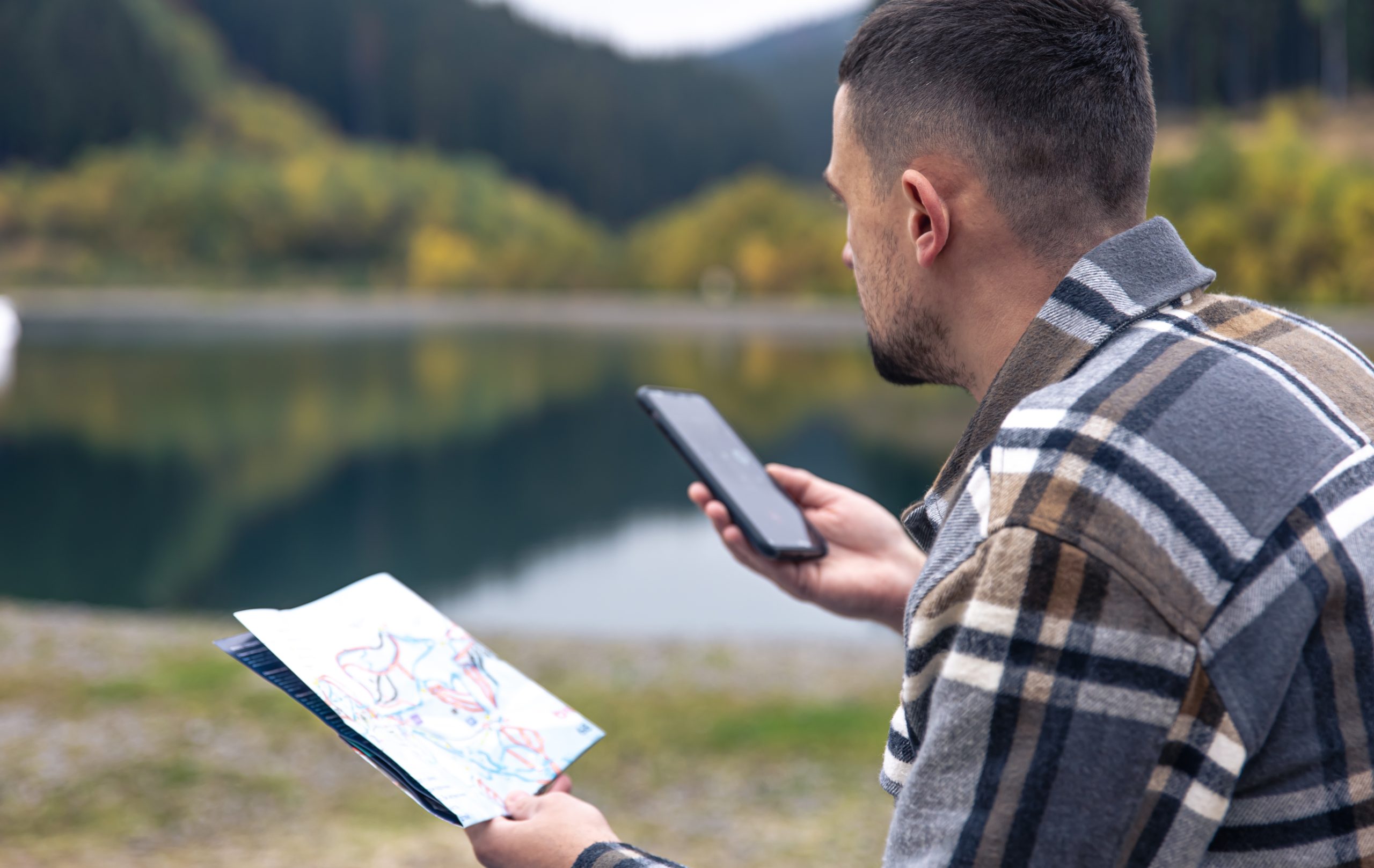
Montreal is not a grid. It’s a swirl. A linguistic, historical, architectural swirl. Streets switch languages. “Rue St-Denis” might become “St. Denis Street” depending on who’s talking — or which neighbourhood you’re in. One-way signs, bike lanes, and sudden construction zones (construction is Montreal’s unofficial fifth season) all make driving or walking a bit of an urban expedition.
So why Apple Maps? Because it’s clean. It’s integrated. It understands your habits — sometimes better than you do.
Over 80% of iPhone users in North America default to Apple Maps. In Montreal, where around 65% of residents use iPhones (Statista, 2023), it’s already a common digital language.
2. Set the Language to Match the City’s Mood
Montreal is bilingual. Apple Maps can be too.
Go into Settings > General > Language & Region and set French (Canada) as a secondary or primary language. Why? Because streets are listed in both languages — and Siri sometimes pronounces “Pie-IX” like “Pie Nine,” when it’s actually “pee-neuf.”
Local navigation = local pronunciation. Avoid missteps. Let your phone sound like it belongs.
3. Don’t Forget About Privacy Protection
You know that online surveillance is constantly evolving and gaining momentum. If you were looking for, for example, a tour to Montenegro and someone intercepted it, they can use such data for their own purposes: theft, fraud with relatives, illegal settlement in property, etc. At a time when there is a privacy VPN for iOS users, it is not reasonable to leave everything to chance. It is easier to install VPN apps on iOS devices and keep your data safe. At least if the attacker does not have access to your Apple ID account, they will not know what you were looking for on the maps. This way, you can protect your data from most types of cyber threats.
4. Get Weird: Use Look Around (And Avoid Tourist Traps)
“Look Around” is Apple’s version of Street View — but smoother. Tap and hold on a spot, then hit the binoculars icon.
Now, explore.
Wanna see if that café in the Plateau has outdoor seating? Look Around.
Wondering if there’s a shady spot to park near Mount Royal? Look Around.
Trying to decide whether you want to actually go to Crescent Street? Look around first. It gets loud.
Use Look Around like a local uses instinct. Scroll through streets before you’re even there. Montreal is full of hidden alleys, tucked-away bookstores, and sudden staircases. Not all of them show up perfectly on other apps. But Apple Maps captures them — visually.
5. Walking in the Snow (or Heat): Use Estimated Time Wisely
In January, your walking speed drops. Because ice.
In July? Because of the humidity.
Apple Maps calculates walking time based on the average human pace. But Montreal isn’t average. If you’re walking up St. Laurent Boulevard in February, your pace won’t be 5km/h. Trust us.
Solution? Use the “Add Stop” feature to break up long walks. Add indoor landmarks — like Complexe Desjardins — to warm up mid-journey. Locals do it without thinking. Now, so can you.
6. Detour Mode: Embrace Spontaneity
Sometimes? Plans change.
Apple Maps lets you add or reroute destinations on the fly. Say you’re heading to Parc Lafontaine, but suddenly feel the need for smoked meat at Schwartz’s. Just swipe up from the bottom during navigation and tap “Add Stop.”
Local life isn’t linear. You’re not a robot. Don’t navigate like one.
7. Parking: The Hidden Fight Club
Let’s talk about pain. Real pain.
Parking in Montreal is… an art form trapped in a nightmare. Between snow removal signs, cryptic arrows, and French-only notices, it’s like decoding street poetry.
Apple Maps helps — indirectly.
Look for “Parking” icons when you reach your destination. They’re subtle. They don’t guarantee spots. But they give you a clue: this area has paid lots and street options.
Bonus tip: Cross-reference with the P$ Mobile Service app (city-sanctioned parking zones). Apple Maps won’t warn you if you’re parking during a “déneigement” (snow removal) window. So always double-check.
8. Transit: The Local’s Secret Weapon
Locals? They don’t always drive.
STM (Société de transport de Montréal) operates over 220 bus routes and 68 Metro stations. Apple Maps integrates STM’s schedule in real-time — including delays. No extra app needed.
Just tap the “Transit” tab when searching for a destination.
Pro tip:
If you’re heading to Marché Jean-Talon, Apple Maps will tell you whether to get off at Jean-Talon or De Castelnau — depending on foot traffic, construction, and time of day. This isn’t just direction. It’s decision-making.
9. Siri. Or as She’s Called in Montreal: Your Co-pilot
Talk to her even if you’re embarrassed.
“Siri, get me to Jean Talon Market without highways.”
“Siri, where’s the nearest dépanneur open after 11?”
Locals drive with one hand and navigate with the other — but you? You’re better than that. Use voice commands to reroute, find food, or skip toll roads.
Siri listens. Even if the accent’s off.
10. Bonus Moves Only Locals Know
- Favourite places.
That alley taco stand in Rosemont? Tap “Add to Favourites.” It’ll auto-fill next time. - Use indoor maps.
Big places like Centre Eaton de Montréal have indoor mapping. Need a restroom, fast? Floor-level maps show you.
iii. Share ETA.
Texting “on my way” is vague. Sharing your ETA in Apple Maps is respect. Long-distance friends and local lovers will thank you.
- Switch to “Hybrid” view in summer.
This lets you see both traffic and terrain. Important during festival season, when half the roads are blocked by pop-up stages.
11. Food: Skip the Stars, Trust the Distance
Tourists look at ratings. Locals look at distance.
Use Apple Maps to filter by “Open Now” and sort by distance, not popularity.
Why? Because that 4.8-star bagel spot might be a 45-minute Metro ride away. But that 3.9-rated greasy spoon around the corner? It’s where your next best story starts.
Also: Apple Maps links to Apple Pay and Apple Wallet. Use the Reserve or Order features when available. Especially for high-demand spots in Griffintown or Little Burgundy.
Final Coordinates: Map the City, Live the City
You’re not navigating Montreal. You’re becoming a part of it.
Because when you use Apple Maps like a local, you stop looking for the shortest route — and start choosing the best one. You walk more. You notice more. You take the long way home because you can.
And Montreal — weird, loud, soulful Montreal — will welcome you with snow, bagels, detours, and all.
Now drop a pin, and go.